



Resident Mobile App
Openitem Mobile App: Visitor Access, Gate Control and Safety for Every Resident
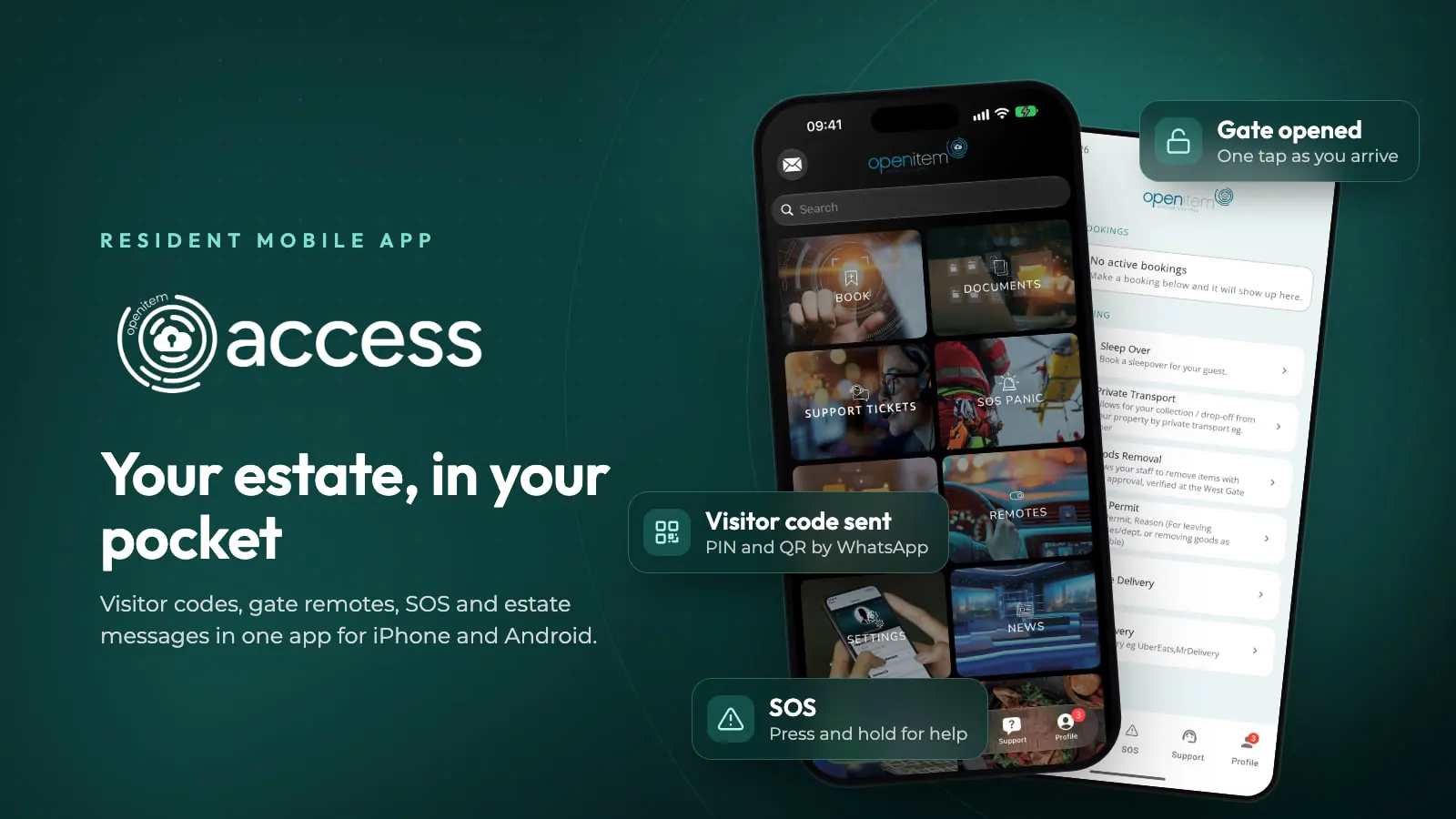
The Openitem app puts an estate’s access control in every resident’s pocket. Visitor bookings and access codes, gate remotes, panic buttons, estate messages and support tickets come together in one app for iPhone and Android — configured by the estate, and available under the estate’s own brand.
In the app
Visitor codesGate remotesPanic & SOSRegulars & staffInboxSupport ticketsWallet cardsCarPlay & Android Auto
Residents sign in with their cellphone number and a one-time PIN — there is no password to remember. From there they book visitors by the reason for the visit, share a PIN and QR code by WhatsApp, open gates as they drive up, raise the alarm with a press and hold, and log a support ticket with photos or a short video.
Behind every screen is the estate’s own Openitem environment. The estate decides which features each type of resident sees, which visits can be booked and what each form asks for, so the app on a resident’s phone always matches the rules at the gate.
The same app serves residential and security estates, golf and country estates, student accommodation, business parks and security companies. It is published as Openitem in the App Store, Google Play and Huawei AppGallery, and as dozens of branded apps for estates, security companies and resellers.
Access on your terms
No two estates run their gates the same way. A security estate may want every visitor pre-booked with identification; a golf estate handles contractors, deliveries and golf carts; a student residence needs short visits and clear rules; a business park books contractors and goods removals every day.
Openitem lets each estate shape the app around its own rules. Features are switched on per type of resident, every purpose of visit carries its own form, limits and disclaimer, and buttons and tabs can carry the estate’s own wording — without a separate app for every site.
Your estate’s own app
Every estate gets an app that looks and reads like its own. The Home screen carries the estate’s banner and tiles, and each tile can open a page, a PDF, a map, a photo gallery, a video, a phone call, an email or a WhatsApp chat. Facility bookings, forms and payment pages open inside the app, and estate documents are a tap away.
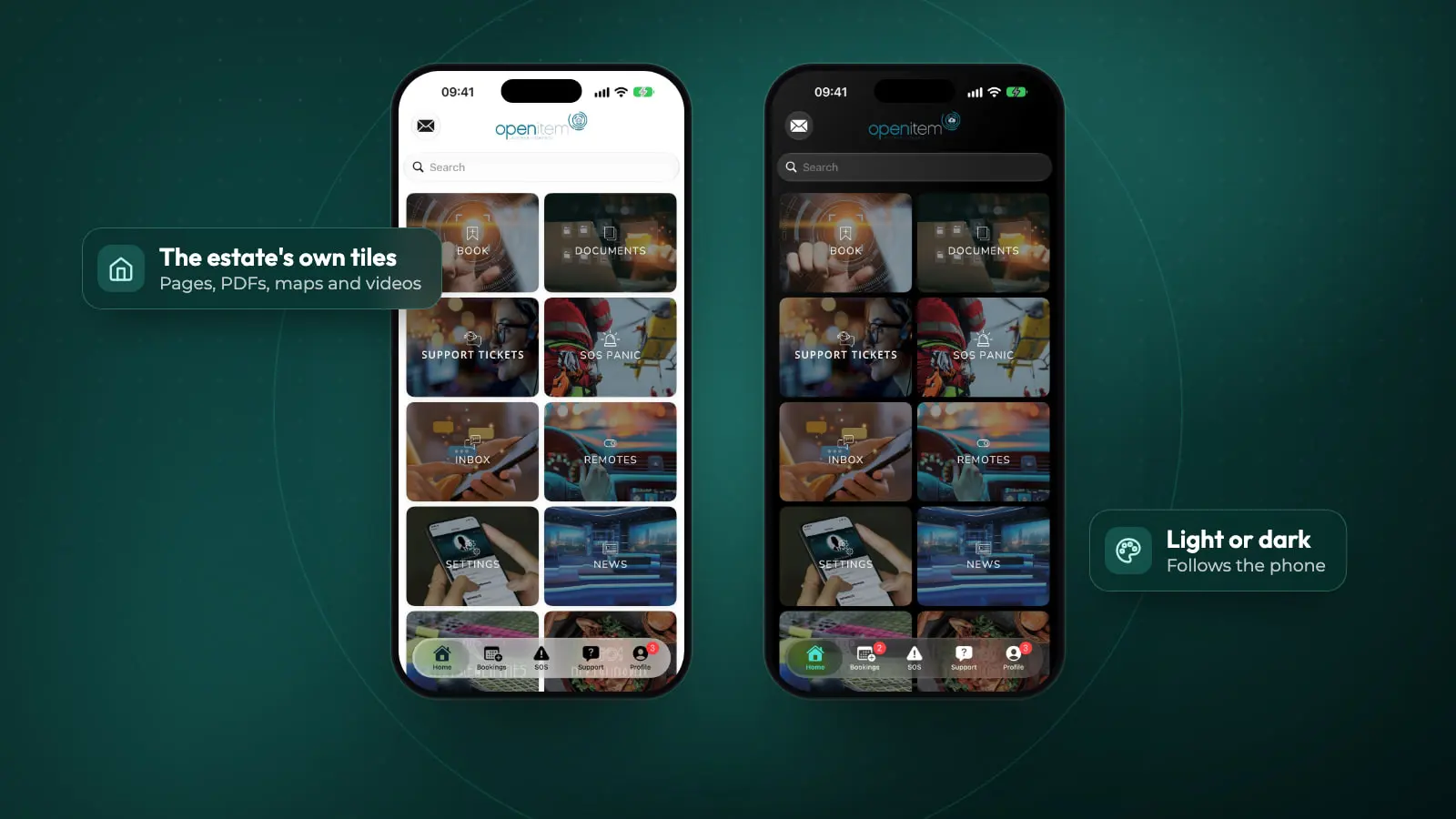
From its own Openitem environment, the estate controls:
- Which tabs and features each type of resident can use
- The purposes of visit and the form behind each one
- Home tiles: pages, documents, maps, galleries, videos and contact buttons
- Button and tab names in the estate’s own words
- Face ID, fingerprint or passcode checks before new access codes and gate opens
For estates, security companies and resellers that want their own identity, the same app is published under their brand — their name, icon, colours and splash screen in the App Store and Google Play, with the features described on this page.
Key features
Visitor bookings by purpose of visit
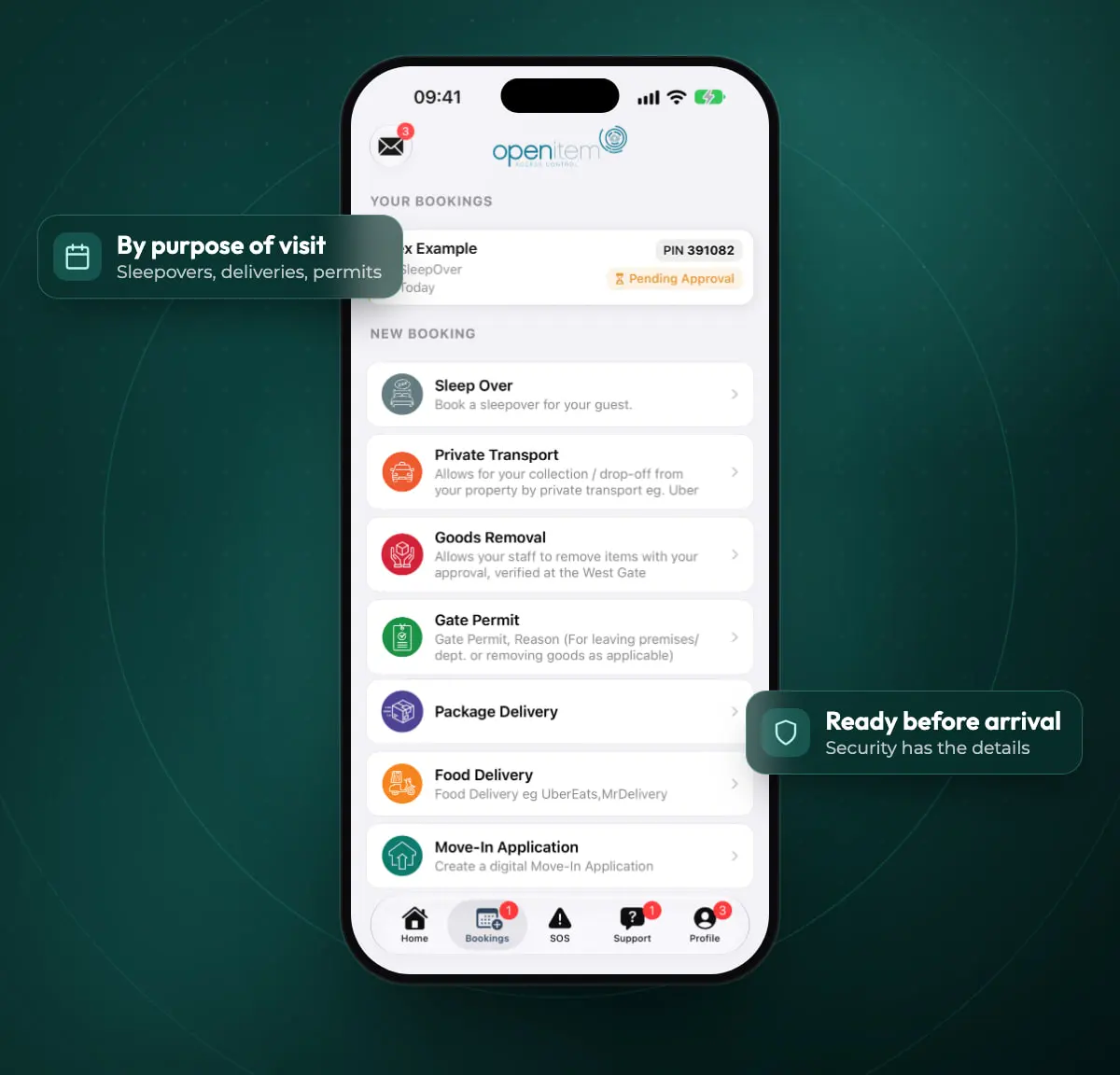
Residents book a visitor by choosing what the visit is for — a day visitor, a sleepover, a contractor, a delivery, goods removal, a gate permit, a move-in or a short-term rental guest. Each purpose of visit opens its own form with the estate’s dates, limits, disclaimers and required details, so security has exactly the information it needs before anyone arrives at the gate.
Access codes, shared your way
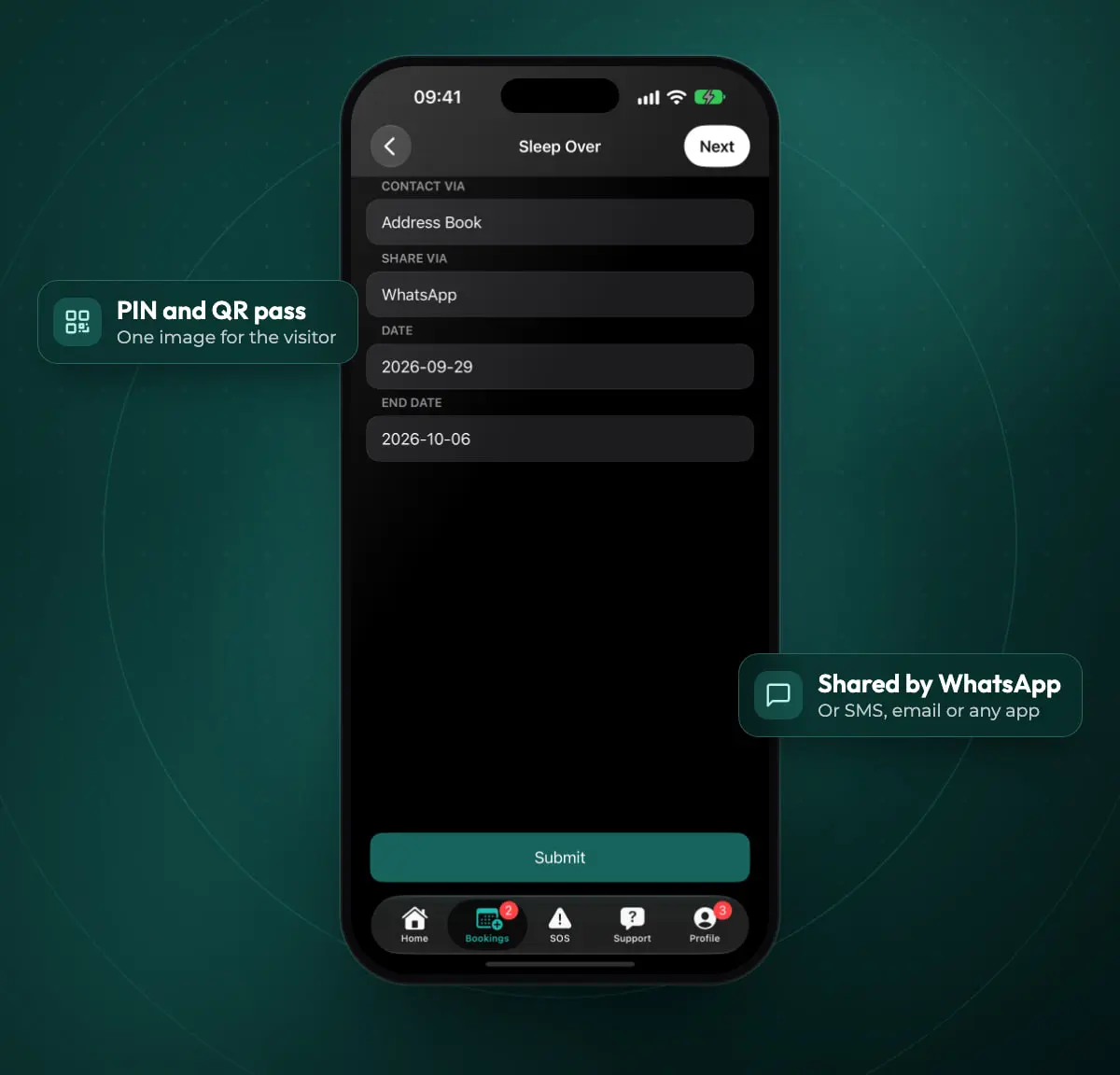
Every booking produces a PIN, and the app can share it as one image with a QR code and the PIN printed underneath. Residents pick the visitor from their address book or type a number or email, then send the code by WhatsApp, SMS, email or any other app on the phone. Group bookings invite several guests at once, and an event booking carries its guest list and an attachment such as a photo, a PDF or a link.
Regulars and staff
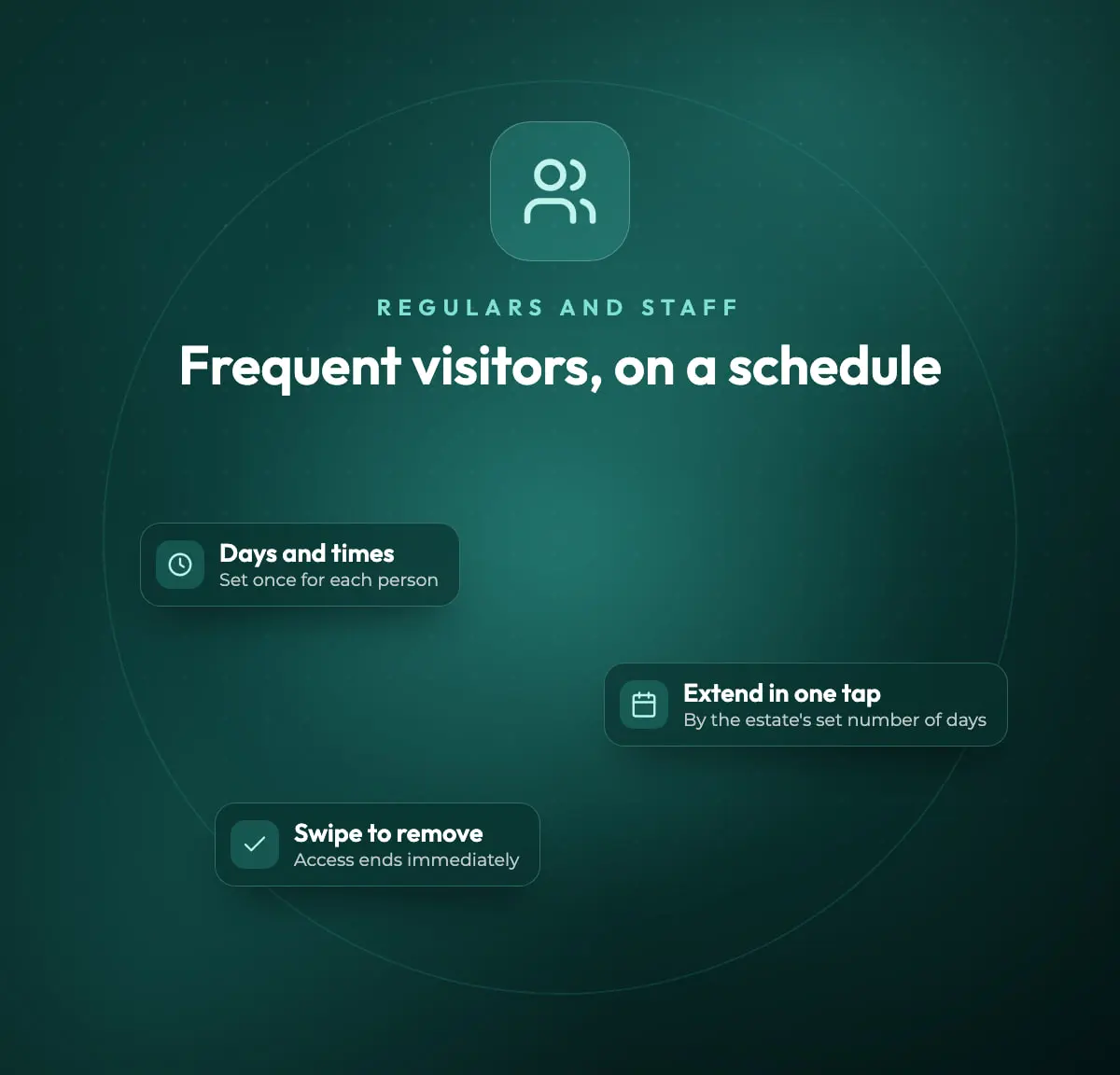
Domestic staff, gardeners, family and other frequent visitors are added once as regulars, with the days and times they may enter. Residents can share a regular’s code, add a face photo for face readers, extend access by the estate’s set number of days with one tap, or swipe to remove someone and end their access immediately.
Panic and SOS
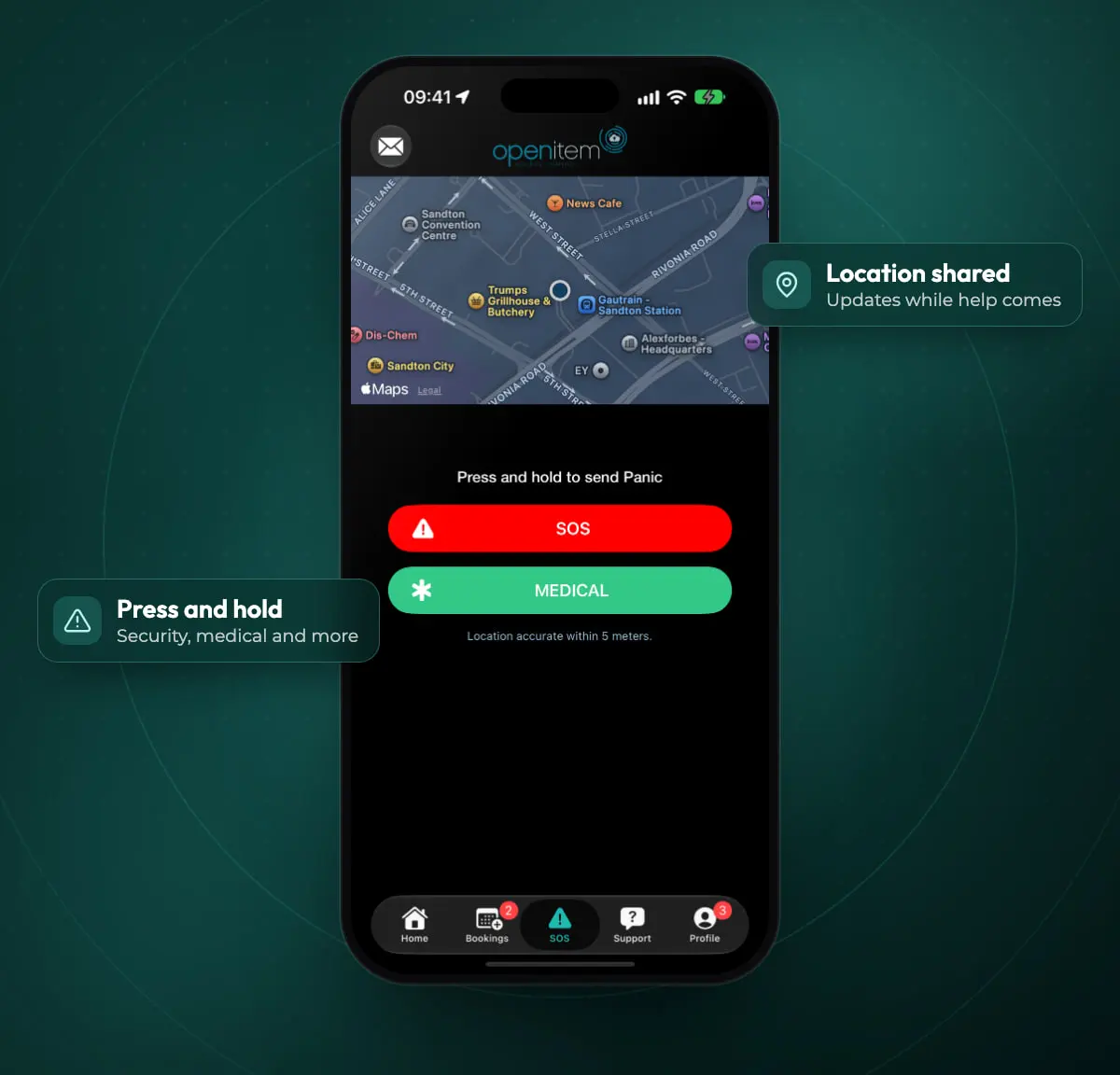
A press and hold sends a panic alert with the resident’s location, and the app can keep sending location updates while help is on the way. Estates choose their buttons — security, medical and roadside, and fire or evacuation alerts where they are enabled. If an alert cannot be sent, the app phones security instead.
Gate remotes and smart locks
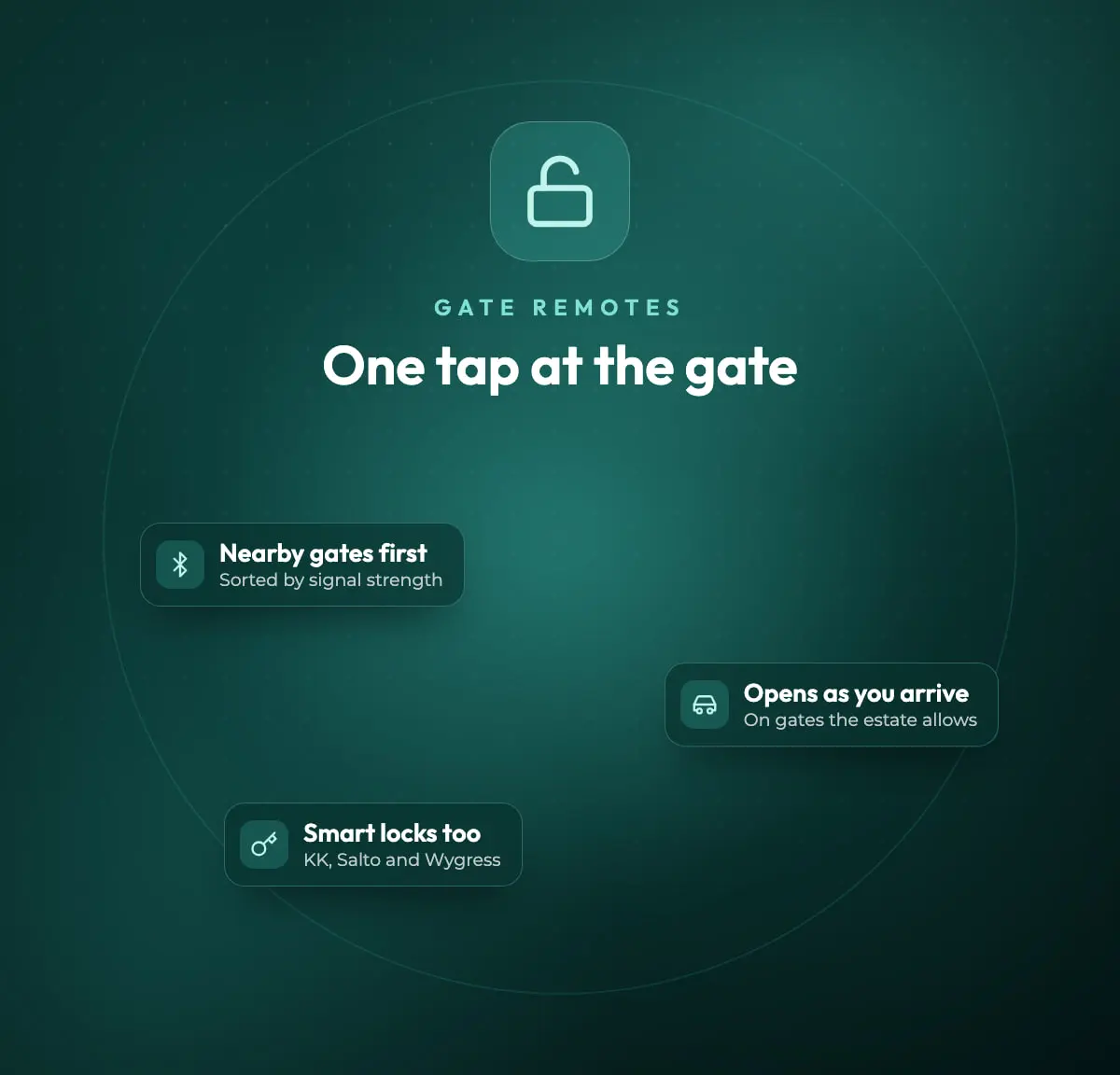
Nearby Bluetooth gates appear sorted by signal strength and open with a single tap, and if Bluetooth fails the app opens the gate over the internet instead. Residents can have a gate open automatically as they approach, on gates the estate allows, scan a gate’s QR code, and open supported KK and Salto smart locks and Wygress face terminals from the same screen.
Apple CarPlay and Android Auto
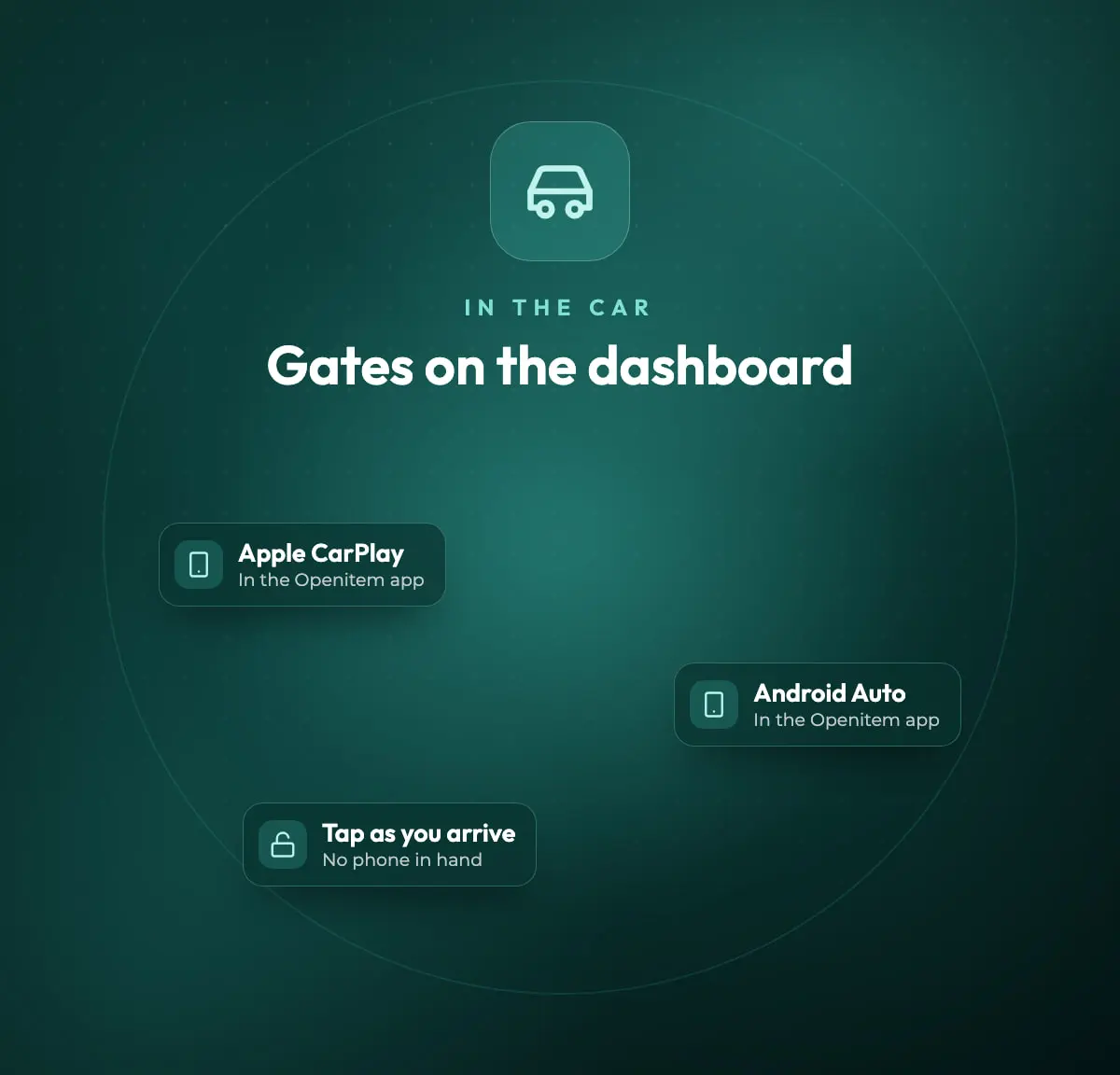
In the Openitem app, nearby gates appear on the car’s own screen through Apple CarPlay and Android Auto. The driver taps the gate on the dashboard display as they arrive — no phone in hand and no remote on the visor.
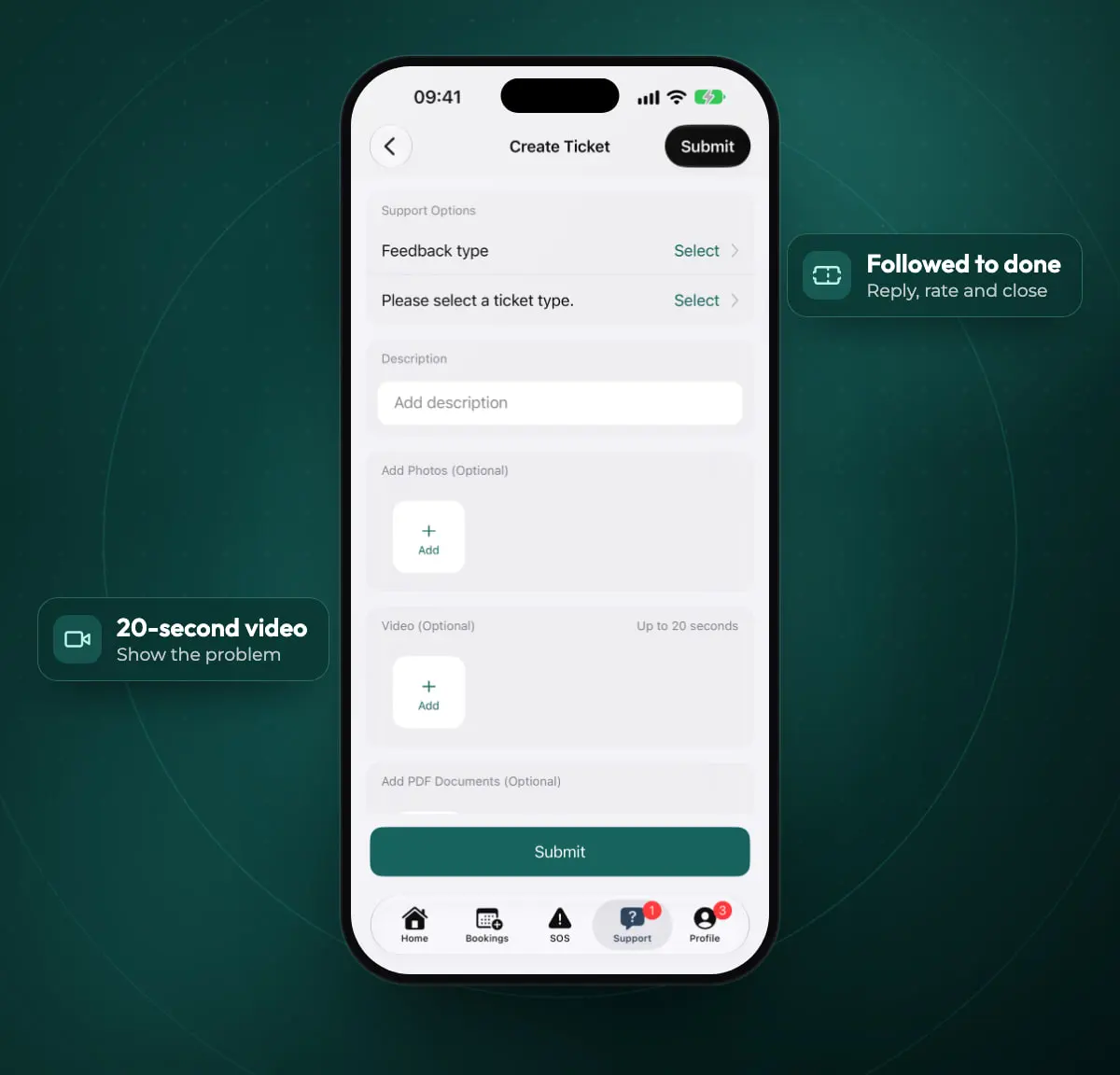
Support tickets with photos and video
Residents log a ticket with a description, photos, PDF documents and a short video of up to 20 seconds, then follow the conversation with the estate until it is resolved. Tickets can be filtered and sorted, closed with a swipe and rated once the work is done, and the badge shows which tickets have news.
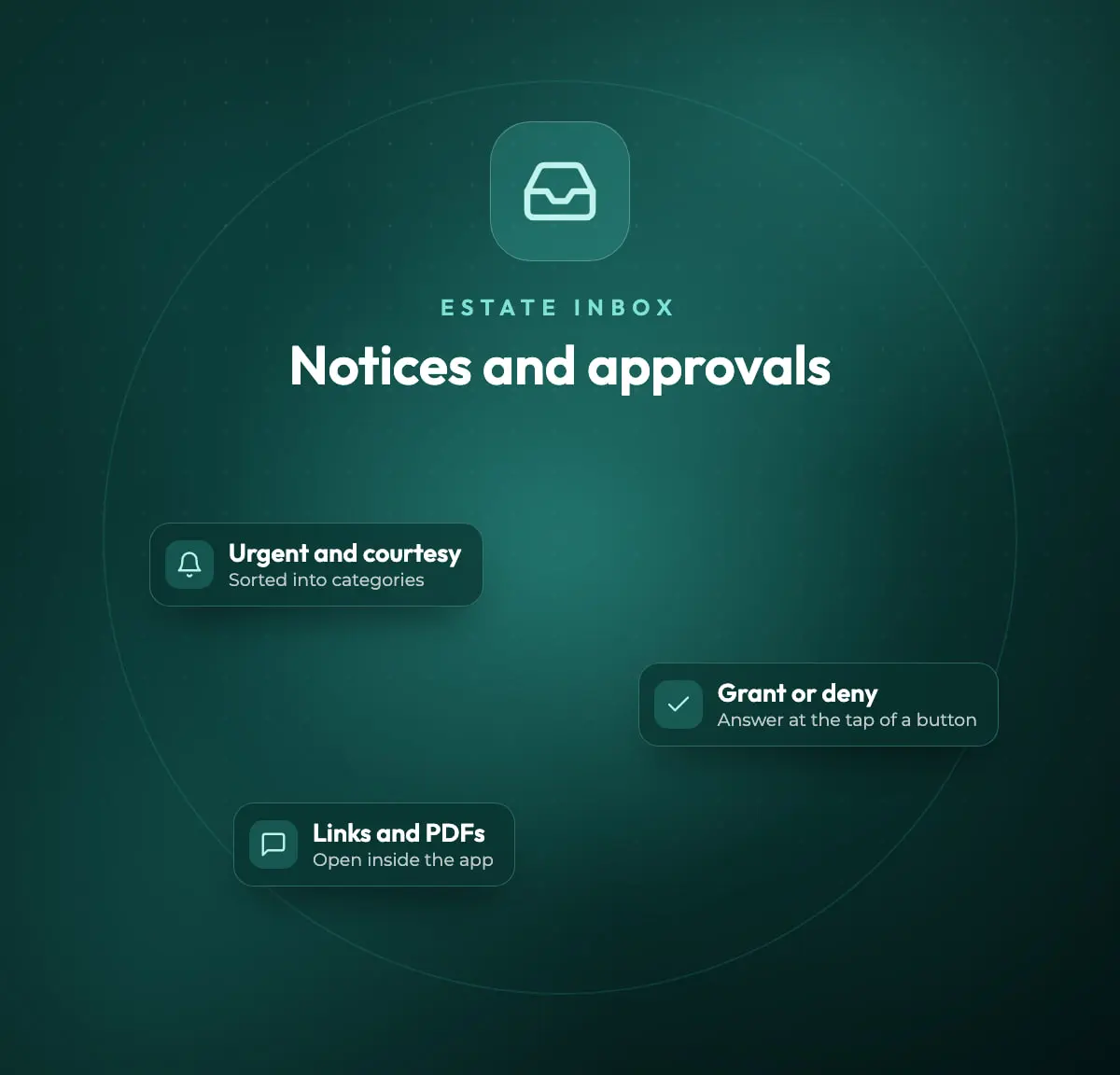
Estate inbox and approvals
Estate notices, approvals and updates arrive in one inbox, sorted into categories such as urgent, courtesy and general. Messages that need an answer — granting or denying a visitor at the gate, approving a request — carry their own buttons, and links and PDFs open right inside the app.
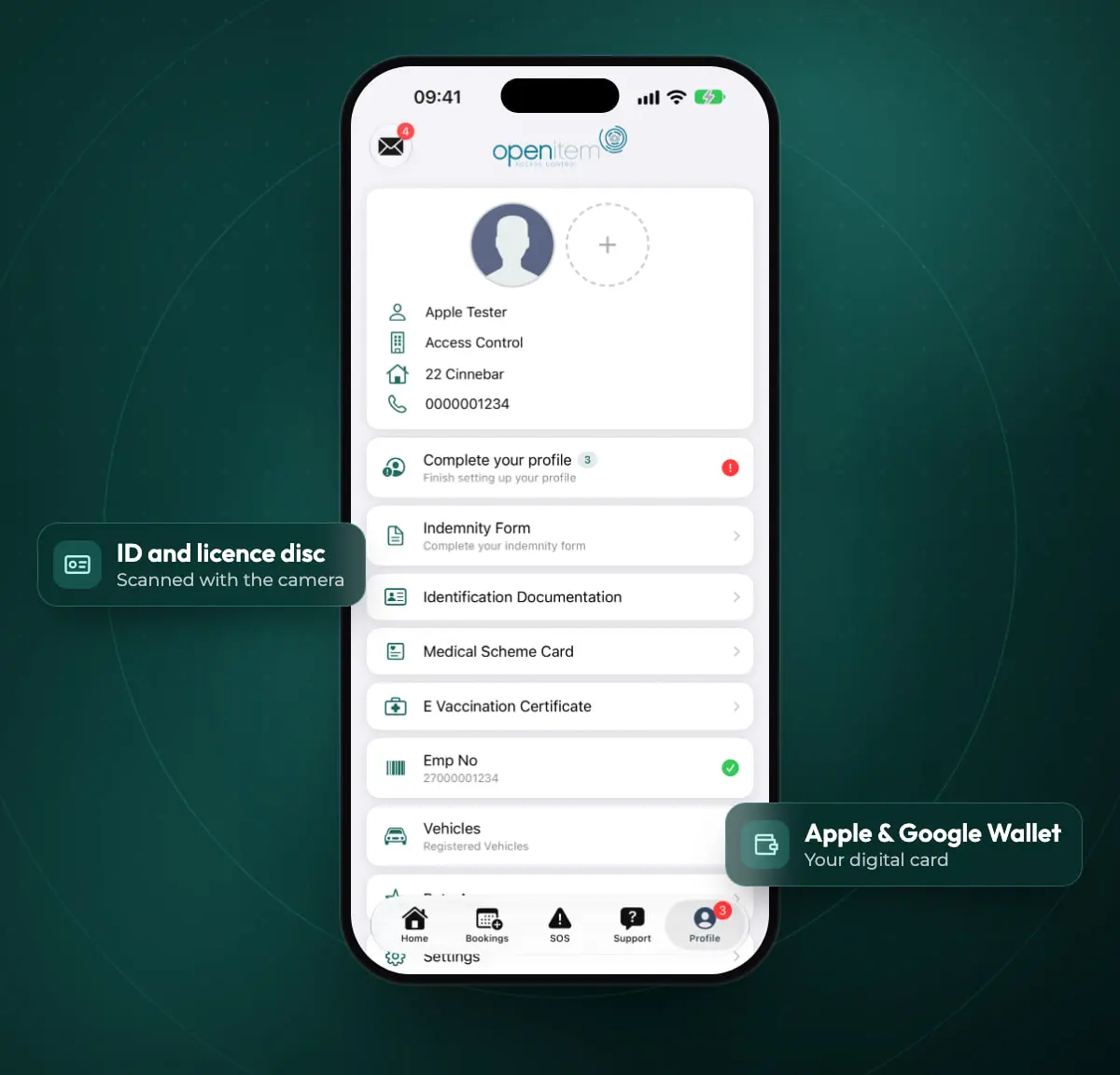
Profile, digital card and Wallet
A guided profile walks residents through their ID, consent form, face photo and vehicles. SA ID documents and driver’s licences can be scanned, a vehicle is added by scanning its licence disc, pets and other assets can be registered, and the resident’s digital membership card can be added to Apple Wallet or Google Wallet.
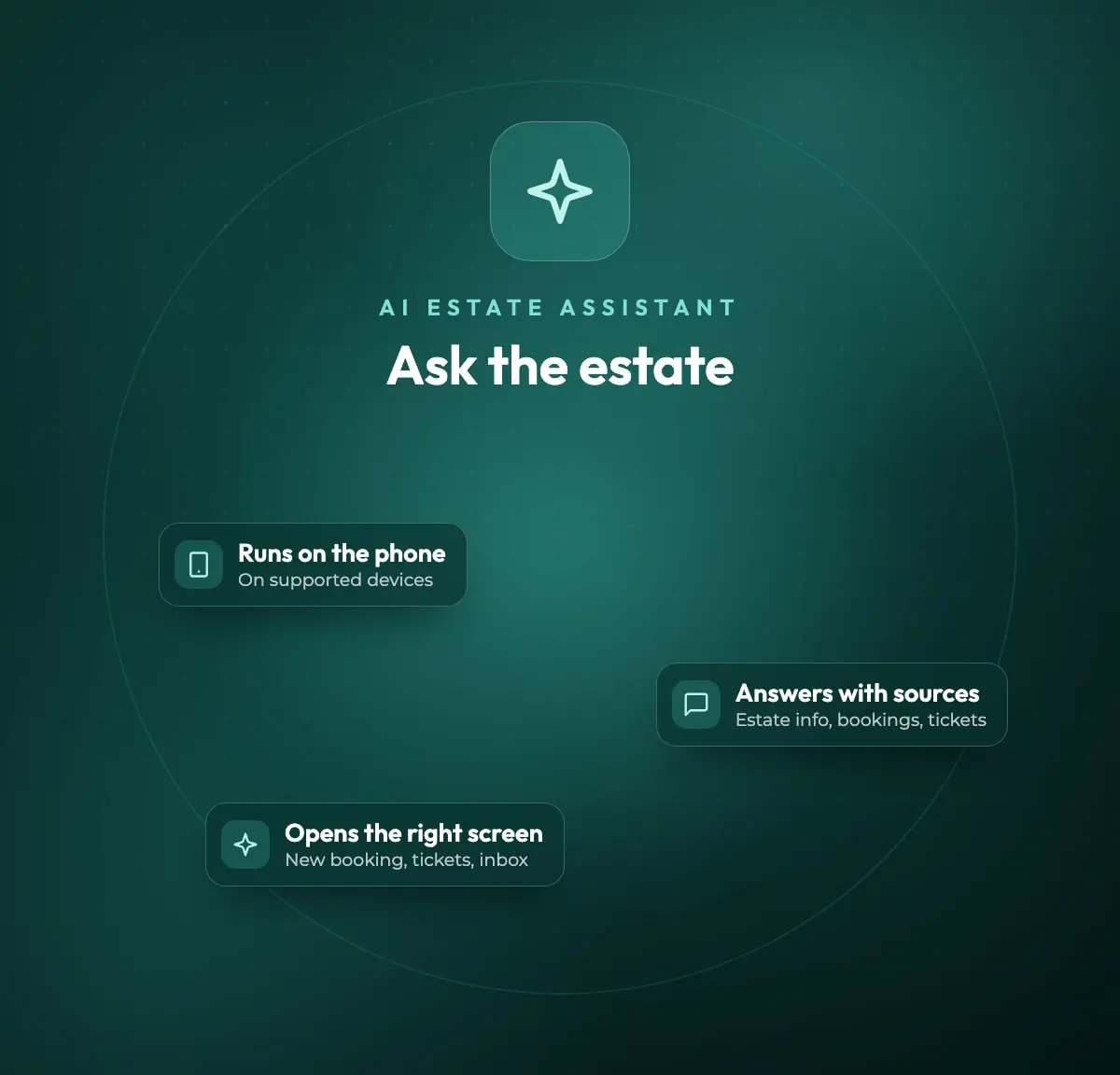
AI Estate Assistant
Where the estate switches it on, the AI Estate Assistant answers residents’ questions about estate information and their own bookings, tickets and messages, with the source shown under each answer. It runs on the phone itself on supported devices, and it can take residents straight to the right screen — a new booking, their tickets or their inbox.
Standout features
Beyond the essentials, these are the touches residents and estate teams notice first:
- Gates that open as you arrive — automatic opening triggers the gate as the resident approaches, on gates the estate allows.
- Nearby gates on the car screen — Apple CarPlay and Android Auto show the closest gates on the dashboard.
- Scan to sign in to the estate website — residents scan the website’s QR code in the app and confirm with Face ID, a fingerprint or their passcode; no password is typed.
- An AI assistant on the phone — answers about estate information, bookings and tickets, and opens the right screen.
- A PIN and QR pass in one image — visitors receive a picture with the QR code and PIN, by WhatsApp or any other app.
- Licence-disc and ID scanning — a vehicle is added by scanning its licence disc, and SA IDs and driver’s licences can be scanned too.
- Apple Wallet and Google Wallet — the resident’s digital membership card lives in the phone’s wallet.
- Tap to open on Android — with Remotes open, a tap of the phone on a Wygress face terminal opens the door, using NFC.
- Live location in an emergency — after a panic alert the app can keep sending the resident’s location every 30 seconds, for as long as the estate sets.
- Evacuation alerts — where the estate enables them, an evacuation is started from the SOS screen and its summary opens in the app.
- Invite straight from Contacts — share a contact card from the phone’s Contacts app into Openitem to invite that person.
- A home-screen widget on iPhone — a New Booking shortcut and the next two bookings, right on the iPhone home screen.
- Codes that fill themselves in — on iPhone, a sign-in code copied from WhatsApp or SMS fills in automatically.
- Built for bigger screens — on an iPad, an open iPhone Duo or a Mac, the list stays on the left and what is opened shows on the right.
- Light, dark and larger text — the app follows the phone’s dark mode or the resident’s choice, and on iPhone the text size can be adjusted.
Platforms and devices
The Openitem app runs on iPhone (iOS 15 or later) and on Android phones (Android 8.0 or later), including Huawei phones through AppGallery. On an iPad, an open iPhone Duo or a Mac it uses the larger screen, with the list on the left and what is opened on the right, and in the car it works with Apple CarPlay and Android Auto.
At the gate it works with Bluetooth gate controllers, KK and Salto smart locks and Wygress face terminals, and it scans QR codes on gates and readers. On the phone it uses Face ID, fingerprint and passcode checks, Apple Wallet and Google Wallet, and the camera for ID, licence-disc and QR scanning. The app is available in English, Afrikaans and French, with Spanish on Android.
Each of these features has its own page:
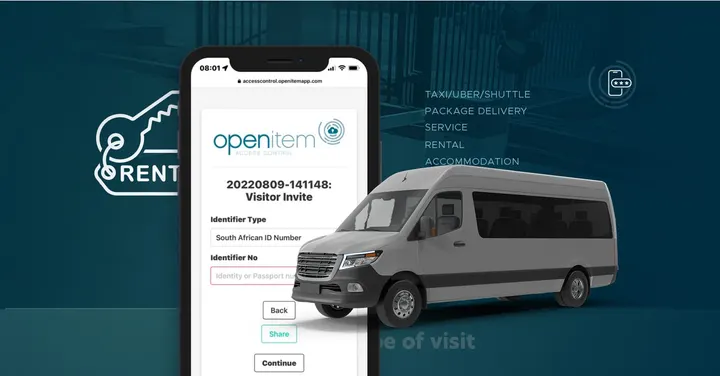
Visitor Advanced Booking
Pre-register visitors, contractors and deliveries with the details security needs.
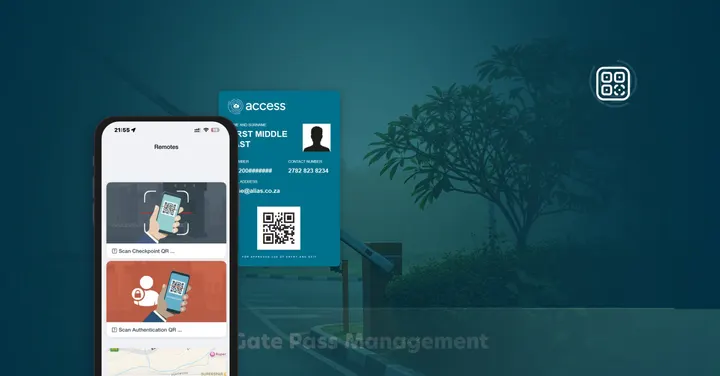
Gate Pass Management
Visitor, vehicle, asset and delivery movements, digitised from booking to gate.
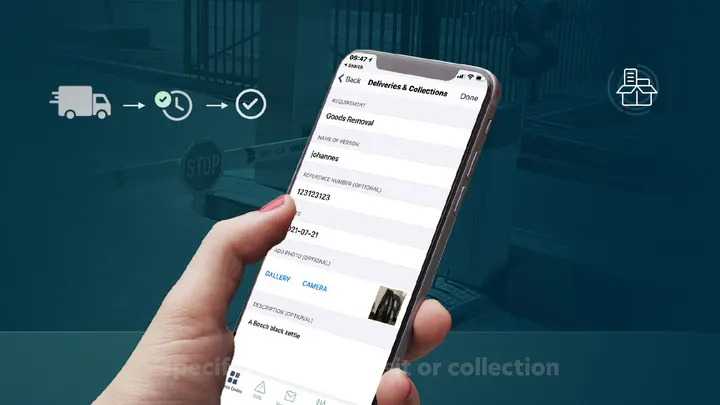
Goods Removal & Collections
Deliveries, collections and goods removals booked in the app, with a photo.
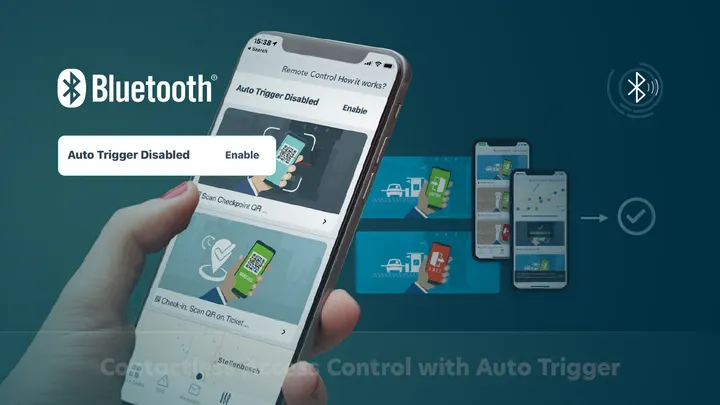
Bluetooth Remote-Control
Open the gate from the app over Bluetooth, with proximity settings built in.
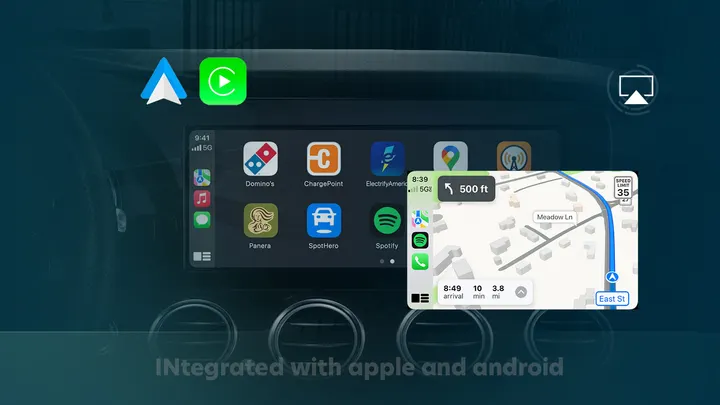
Apple CarPlay & Android Auto
Nearby gates on the car’s own screen.
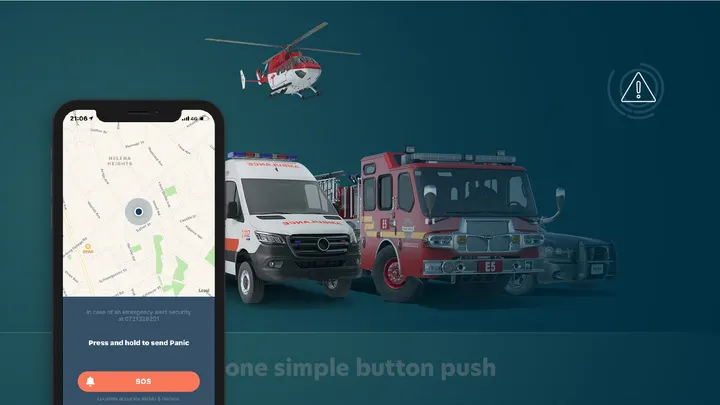
Panic Button / Emergency SOS
Press-and-hold alerts that reach security with the resident’s location.
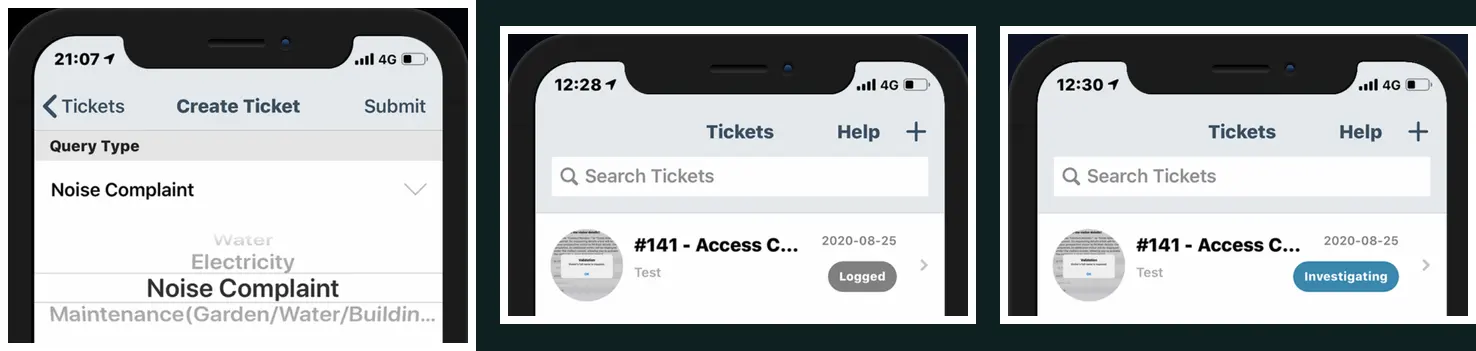
Support Tickets
Queries and complaints logged with photos and video, followed to resolution.
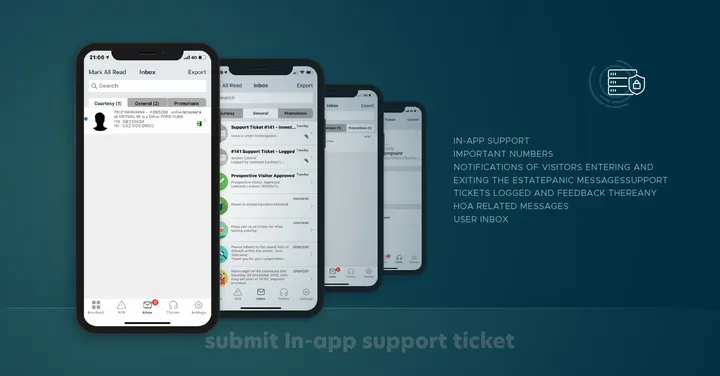
Communication Portal
Notices, documents and messages from the estate in one place.
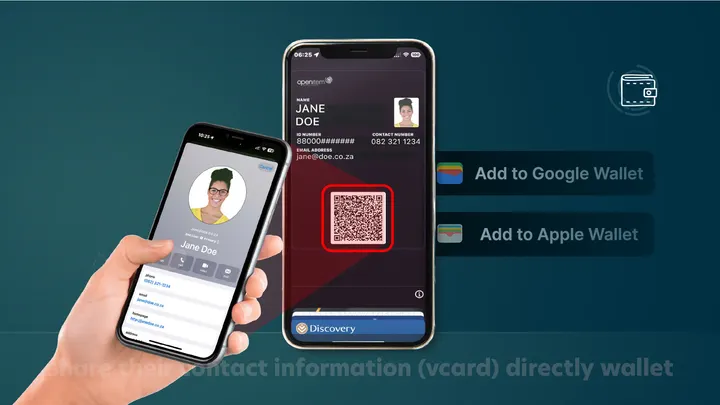
Add to Wallet
The digital membership card in Apple Wallet or Google Wallet.
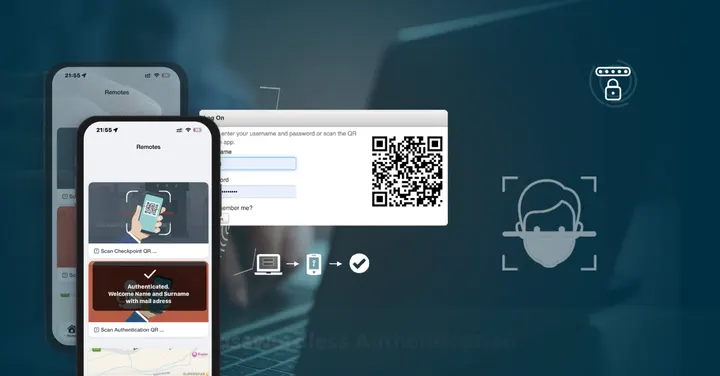
Passwordless Authentication
Sign in to the estate website by scanning a QR code in the app.
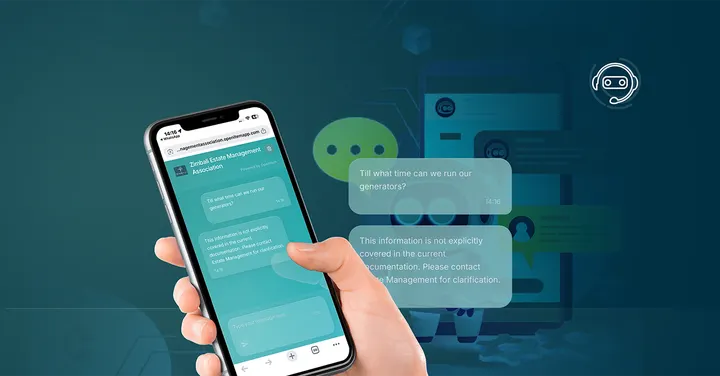
AI Estate Assistant
Answers about the estate and the resident’s own bookings, on the phone.
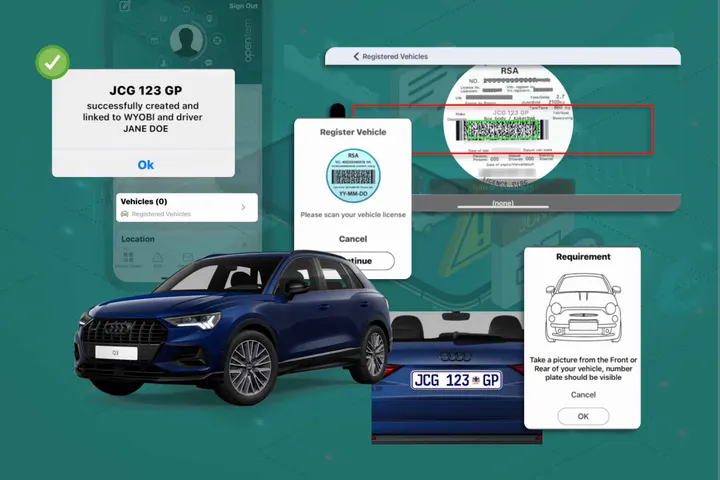
Register/Add your Vehicles
Add a vehicle by scanning its licence disc.
Flexible ways to offer the app
- The Openitem app — residents download Openitem from the App Store, Google Play or AppGallery, sign in with their cellphone number and choose their estate. Suited to estates that want to start quickly.
- The estate’s own branded app — the same app published under the estate’s, security company’s or reseller’s name, icon and colours, opening straight into its own estates.
- Phased roll-out — start with visitor bookings and gate access, then switch on SOS, the inbox, support tickets, profile completion and the assistant as the estate is ready, one type of resident at a time.
Getting residents started
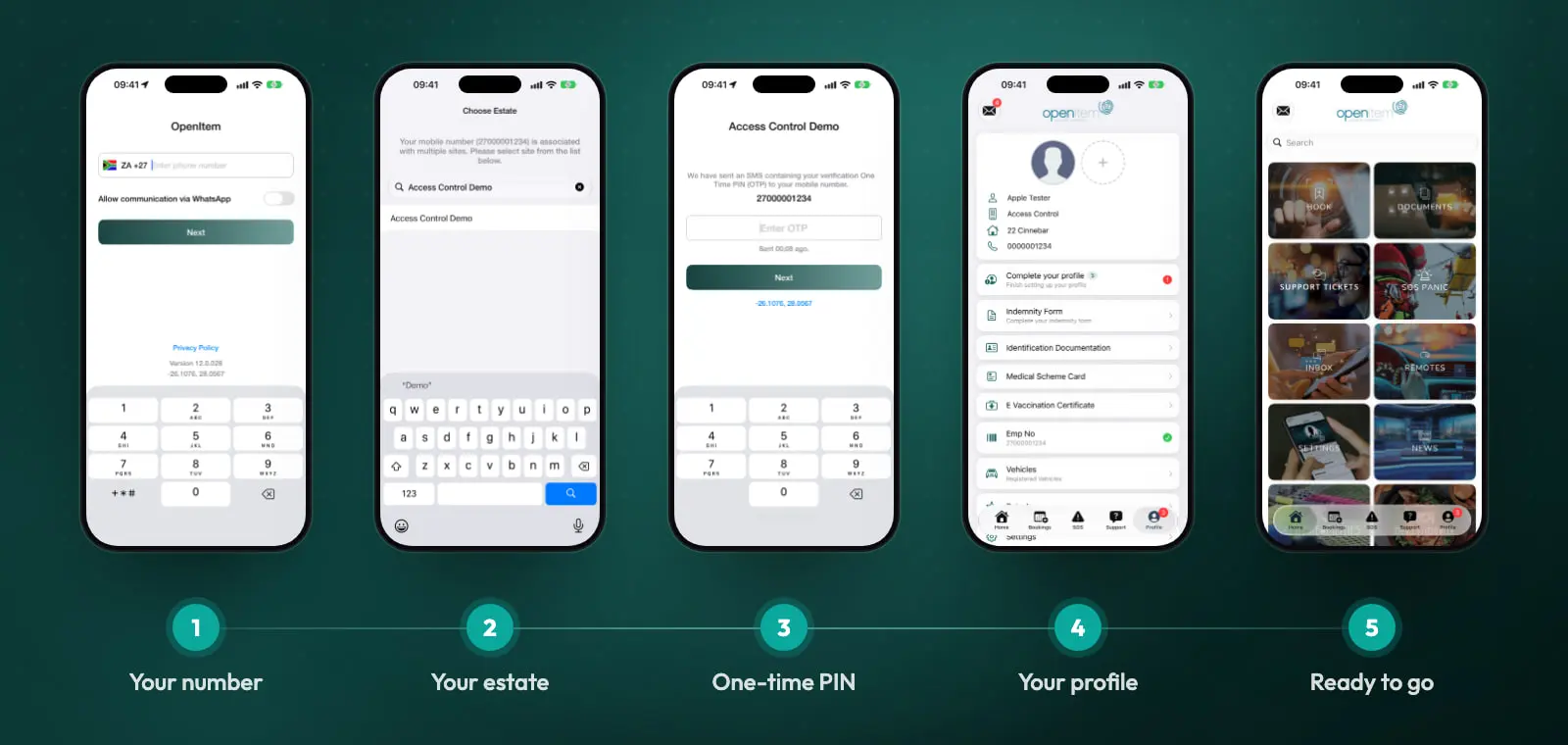
- Load residents — the estate adds residents and their cellphone numbers in Openitem.
- Download — residents install the app from the App Store, Google Play or AppGallery.
- Enter the number — the resident types their cellphone number; there is no password.
- Choose the estate — a resident linked to more than one estate picks theirs; branded apps go straight in.
- Confirm with a one-time PIN — sent by WhatsApp or SMS.
- Complete the profile — ID, consent, face photo and vehicles, as the estate requires.
- Book, open and stay informed — visitors, gates, SOS, messages and tickets from the first day.
Because access is controlled from the estate’s own environment, a resident whose access ends is signed out with the reason, and access that is about to expire comes with a warning beforehand.
Where the app is used
- Residential and security estates — pre-booked visitors with identification, regulars and staff on schedules, gate remotes and panic buttons for every household.
- Golf and country estates — contractors, deliveries, golf carts and other assets managed in one app, with estate news in the inbox.
- Student accommodation — guests, short visits and support requests handled from the phone, with face access where the residence uses face readers.
- Business and office parks — contractors, deliveries, goods removals and gate permits booked in advance, with tickets for facilities issues.
- Short-term rental and holiday complexes — short-term rental and self-stay bookings, including cleaning services, from the owner’s phone.
- Security companies — panic alerts with live location for subscribers, under the security company’s own branded app.
Benefits for everyone at the estate
- For residents — one app for visitors, gates, emergencies, messages and requests, with no password to remember.
- For visitors and contractors — a PIN and QR code by WhatsApp or SMS before they arrive, with no app to install.
- For security teams — visitors pre-registered with the details security needs, and panic alerts that carry the resident’s location.
- For estate managers and HOAs — notices, approvals, documents and support tickets in one channel, with every feature controlled per type of resident.
- For security companies and resellers — the full app under their own brand, with the features each client needs.
Capability summary
| Capability | What it gives you |
|---|---|
| Visitor bookings | Pre-registration by purpose of visit, with the estate’s own forms and rules |
| Access codes | PIN and QR passes shared by WhatsApp, SMS, email or any app |
| Regulars and staff | Scheduled access for frequent visitors and domestic staff |
| Gate remotes | One-tap Bluetooth opening, an online fallback and automatic opening on approach |
| Smart locks | KK and Salto locks and Wygress face terminals from the same screen |
| In the car | Nearby gates on Apple CarPlay and Android Auto |
| Panic and SOS | Press-and-hold alerts with location for security, medical and more |
| Inbox | Estate notices, approvals and answers in one place |
| Support tickets | Photos, PDFs and a 20-second video, followed to resolution |
| Profile and Wallet | ID, vehicles, a face photo and a digital card in Apple or Google Wallet |
| AI assistant | Answers about the estate and the resident’s own activity, on the phone |
| Branded apps | The full app under an estate’s, security company’s or reseller’s own name |
Why the Openitem app?
The Openitem app turns a resident’s phone into their visitor desk, gate remote, panic button and line to the estate office. Every feature is driven by the estate’s own Openitem environment, so what residents can do in the app always matches the rules at the gate.
It works for a single estate or a portfolio of sites, under the Openitem name or the estate’s own brand, and it keeps growing — from CarPlay and Android Auto to an assistant that runs on the phone — without residents changing apps.
At the gate: the Guard app
The Openitem Guard app is the other half of every booking made in the resident app — guards use it on Android handhelds to manage visitor access at the gate.
Guard Application
Also from Openitem: Wygress
Facial, QR and card access with attendance, occupancy and evacuation in one standalone platform.
Explore WygressReady to give your residents the Openitem app? Contact us, or download it for your phone: